

Cordova iOS插件开发实战指南
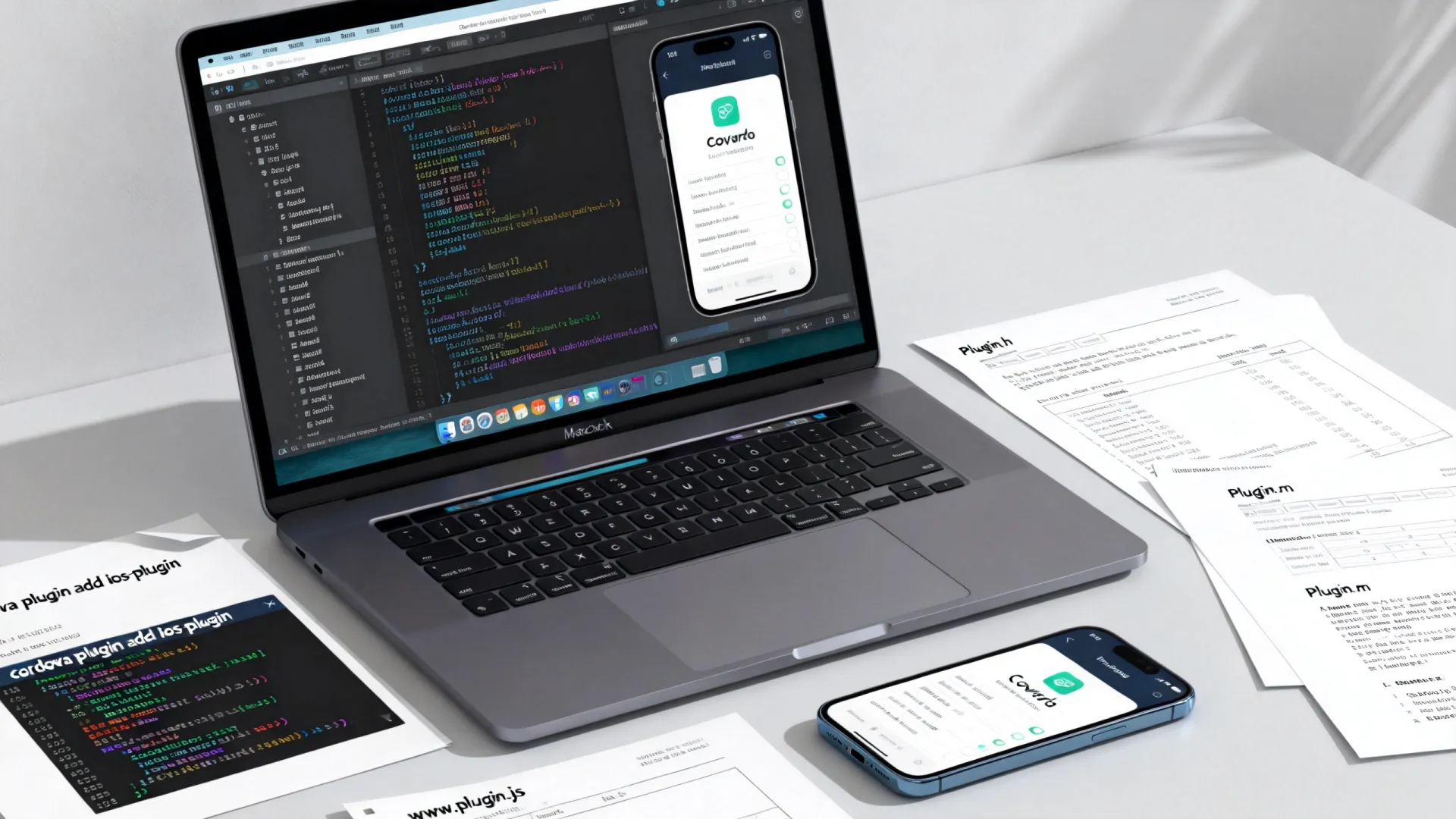
Cordova iOS插件开发的核心在于建立JavaScript与原生代码(Objective-C/Swift)之间的通信桥梁,扩展混合应用能力,以下是详细开发流程:
环境与工具准备
- 基础环境:
- macOS 系统
- Xcode (最新稳定版)
- Node.js 和 npm
- Cordova CLI (
npm install -g cordova)
- 创建测试工程:
cordova create MyDemoApp
cd MyDemoApp
cordova platform add ios
创建插件骨架
- 使用
plugman生成:npm install -g plugman plugman create --name MyCustomPlugin --plugin_id cordova-plugin-my-custom --plugin_version 1.0.0 cd MyCustomPlugin plugman platform add --platform_name ios
- 关键文件结构:
MyCustomPlugin/
├── src/
│   └── ios/
│       ├── MyCustomPlugin.h
│       └── MyCustomPlugin.m  // 原生实现核心
├── www/
│   └── MyCustomPlugin.js     // JS API 接口
├── plugin.xml                // 插件配置元数据
└── package.json
核心:plugin.xml 配置
<?xml version="1.0" encoding="UTF-8"?>
<plugin xmlns="http://apache.org/cordova/ns/plugins/1.0"
        id="cordova-plugin-my-custom"
        version="1.0.0">
    <name>MyCustomPlugin</name>
    <description>实现XX功能的Cordova iOS插件</description>
    <license>Apache-2.0</license>
    <keywords>cordova, ios, custom, example</keywords>
    <js-module name="MyCustomPlugin" src="www/MyCustomPlugin.js">
        <clobbers target="cordova.plugins.MyCustomPlugin" />
    </js-module>
    <platform name="ios">
        <config-file parent="/" target="config.xml">
            <feature name="MyCustomPlugin">
                <param name="ios-package" value="MyCustomPlugin" />
            </feature>
        </config-file>
        <source-file src="src/ios/MyCustomPlugin.h" />
        <source-file src="src/ios/MyCustomPlugin.m" />
        <!-- 如需依赖库 -->
        <framework src="SomeFramework.framework" />
        <framework src="libz.tbd" /> <!-- 系统库示例 -->
        <!-- 如需资源文件 -->
        <resource-file src="src/ios/Resources/SomeImage.png" />
    </platform>
</plugin>
<clobbers>定义了 JS 访问插件的全局对象 (cordova.plugins.MyCustomPlugin)。<feature>在config.xml中注册插件,使 Cordova 知道在启动时加载它。<source-file>指定原生代码文件。<framework>添加依赖的系统或第三方库。<resource-file>添加图片等资源。
实现 JavaScript API (www/MyCustomPlugin.js)
var exec = require('cordova/exec');
var MyCustomPlugin = {
    // 定义同步方法
    getDeviceModel: function(successCallback, errorCallback) {
        exec(successCallback, errorCallback, 'MyCustomPlugin', 'getDeviceModel', []);
    },
    // 定义带参数的异步方法
    showNativeAlert: function(message, title, buttonLabel, successCallback, errorCallback) {
        exec(successCallback, errorCallback, 'MyCustomPlugin', 'showNativeAlert', [message, title, buttonLabel]);
    },
    // 定义接收持续回调的方法 (如传感器)
    startMonitoring: function(onEventCallback, errorCallback) {
        exec(onEventCallback, errorCallback, 'MyCustomPlugin', 'startMonitoring', []);
    },
    stopMonitoring: function(successCallback, errorCallback) {
        exec(successCallback, errorCallback, 'MyCustomPlugin', 'stopMonitoring', []);
    }
};
module.exports = MyCustomPlugin;
exec是 Cordova 提供的核心通信函数。- 参数顺序:
exec(successCallback, errorCallback, '插件原生类名', '原生方法名', [参数数组])。
实现原生代码 (src/ios/MyCustomPlugin.h/.m)
MyCustomPlugin.h
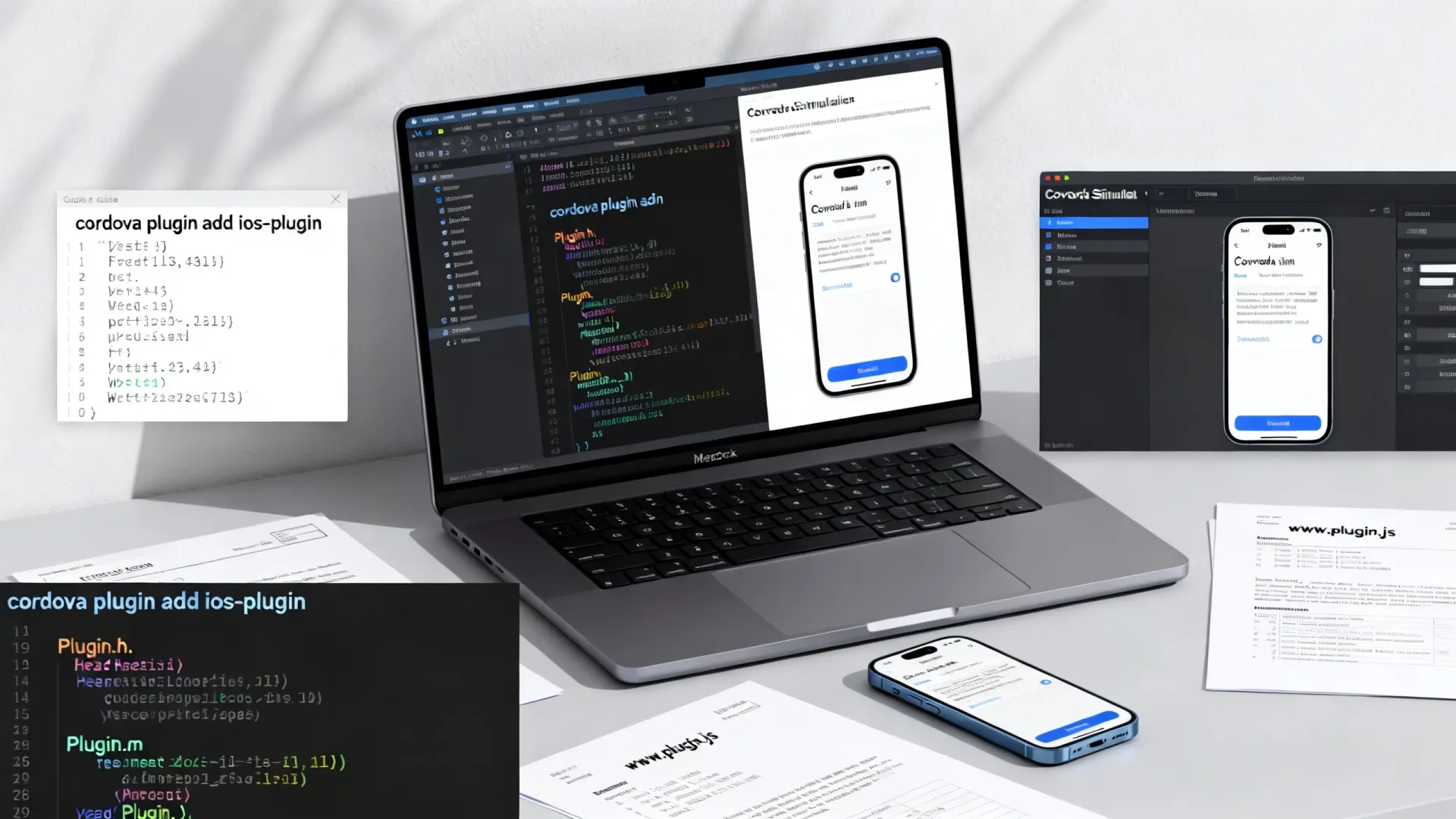
#import <Cordova/CDVPlugin.h>
@interface MyCustomPlugin : CDVPlugin
// 对应 JS 的 getDeviceModel 方法
- (void)getDeviceModel:(CDVInvokedUrlCommand)command;
// 对应 JS 的 showNativeAlert 方法
- (void)showNativeAlert:(CDVInvokedUrlCommand)command;
// 对应 JS 的 startMonitoring 方法
- (void)startMonitoring:(CDVInvokedUrlCommand)command;
// 对应 JS 的 stopMonitoring 方法
- (void)stopMonitoring:(CDVInvokedUrlCommand)command;
@end
MyCustomPlugin.m (核心实现示例)
#import "MyCustomPlugin.h"
#import <UIKit/UIKit.h> // 用于 UIAlertController
@import CoreMotion;     // 假设需要运动传感器
@implementation MyCustomPlugin {
    CMMotionManager _motionManager;
    CDVInvokedUrlCommand _monitoringCommand;
}
#pragma mark - 获取设备型号
- (void)getDeviceModel:(CDVInvokedUrlCommand)command {
    NSString model = [[UIDevice currentDevice] model];
    CDVPluginResult result = [CDVPluginResult resultWithStatus:CDVCommandStatus_OK messageAsString:model];
    [self.commandDelegate sendPluginResult:result callbackId:command.callbackId];
}
#pragma mark - 显示原生弹窗
- (void)showNativeAlert:(CDVInvokedUrlCommand)command {
    // 1. 安全获取 JS 传递的参数
    if (command.arguments.count < 3) {
        CDVPluginResult result = [CDVPluginResult resultWithStatus:CDVCommandStatus_ERROR messageAsString:@"缺少参数"];
        [self.commandDelegate sendPluginResult:result callbackId:command.callbackId];
        return;
    }
    NSString message = [command.arguments objectAtIndex:0];
    NSString title = [command.arguments objectAtIndex:1];
    NSString buttonLabel = [command.arguments objectAtIndex:2];
    // 2. 在主线程执行 UI 操作
    __weak MyCustomPlugin weakSelf = self;
    dispatch_async(dispatch_get_main_queue(), ^{
        UIAlertController alert = [UIAlertController alertControllerWithTitle:title
                                                                       message:message
                                                                preferredStyle:UIAlertControllerStyleAlert];
        UIAlertAction okAction = [UIAlertAction actionWithTitle:buttonLabel
                                                           style:UIAlertActionStyleDefault
                                                         handler:^(UIAlertAction action) {
                                                             // 3. 用户点击后发送成功结果给 JS
                                                             CDVPluginResult result = [CDVPluginResult resultWithStatus:CDVCommandStatus_OK];
                                                             [weakSelf.commandDelegate sendPluginResult:result callbackId:command.callbackId];
                                                         }];
        ;
        // 4. 找到当前显示的 ViewController 呈现弹窗
        [weakSelf.viewController presentViewController:alert animated:YES completion:nil];
    });
}
#pragma mark - 运动传感器监控 (示例)
- (void)startMonitoring:(CDVInvokedUrlCommand)command {
    if (!_motionManager) {
        _motionManager = [[CMMotionManager alloc] init];
    }
    if (!_motionManager.accelerometerAvailable) {
        CDVPluginResult result = [CDVPluginResult resultWithStatus:CDVCommandStatus_ERROR messageAsString:@"加速度计不可用"];
        [self.commandDelegate sendPluginResult:result callbackId:command.callbackId];
        return;
    }
    _monitoringCommand = command; // 保存 callbackId 用于持续回调
    // 设置采样间隔
    _motionManager.accelerometerUpdateInterval = 0.1;
    __weak MyCustomPlugin weakSelf = self;
    // 开始更新,在主队列接收数据
    [_motionManager startAccelerometerUpdatesToQueue:[NSOperationQueue mainQueue]
                                        withHandler:^(CMAccelerometerData accelerometerData, NSError error) {
        if (error) {
            CDVPluginResult result = [CDVPluginResult resultWithStatus:CDVCommandStatus_ERROR messageAsString:error.localizedDescription];
            [result setKeepCallbackAsBool:NO]; // 出错后停止回调
            [weakSelf.commandDelegate sendPluginResult:result callbackId:weakSelf->_monitoringCommand.callbackId];
            [weakSelf stopMotionUpdates];
            return;
        }
        // 构造包含加速度数据的字典
        NSDictionary accelData = @{
            @"x": @(accelerometerData.acceleration.x),
            @"y": @(accelerometerData.acceleration.y),
            @"z": @(accelerometerData.acceleration.z),
            @"timestamp": @(accelerometerData.timestamp)
        };
        // 创建 PluginResult 并设置保持回调
        CDVPluginResult result = [CDVPluginResult resultWithStatus:CDVCommandStatus_OK messageAsDictionary:accelData];
        [result setKeepCallbackAsBool:YES]; // 关键:保持回调通道开放
        [weakSelf.commandDelegate sendPluginResult:result callbackId:weakSelf->_monitoringCommand.callbackId];
    }];
}
- (void)stopMonitoring:(CDVInvokedUrlCommand)command {
    [self stopMotionUpdates];
    CDVPluginResult result = [CDVPluginResult resultWithStatus:CDVCommandStatus_OK];
    [self.commandDelegate sendPluginResult:result callbackId:command.callbackId];
}
- (void)stopMotionUpdates {
    if (_motionManager && [_motionManager isAccelerometerActive]) {
        [_motionManager stopAccelerometerUpdates];
    }
    _monitoringCommand = nil;
}
@end
原生代码关键点:
- 继承
CDVPlugin:所有插件原生类必须继承自CDVPlugin。 - 方法签名:原生方法接收一个
CDVInvokedUrlCommand参数,它封装了 JS 调用信息(方法名、参数、callbackId)。 - 线程安全:
- 主线程操作 UI:任何涉及 UIKit 的操作(如弹窗)必须在
dispatch_async(dispatch_get_main_queue(), ^{ ... });中执行。 - 耗时操作异步处理:文件读写、网络请求等应在后台线程执行,完成后回主线程发送结果。
- 主线程操作 UI:任何涉及 UIKit 的操作(如弹窗)必须在
- 结果返回:
- 使用
CDVPluginResult构造结果对象。 - 使用
[self.commandDelegate sendPluginResult:result callbackId:command.callbackId];将结果发送回 JS 端。 - 状态码:
CDVCommandStatus_OK(成功),CDVCommandStatus_ERROR(错误),CDVCommandStatus_NO_RESULT(无结果)。
- 使用
- 持续回调: 对于传感器、位置更新等场景,使用
[result setKeepCallbackAsBool:YES];保持回调通道开放,允许多次发送结果,务必在停止时发送NO或结束命令。 - 内存管理: 注意避免循环引用(使用
__weak),及时释放不再需要的资源(如停止传感器更新)。
在Cordova应用中使用插件
-
添加插件到项目:
cordova plugin add /path/to/MyCustomPlugin
# 或从本地路径、git仓库、npm添加
-
在JS中调用:
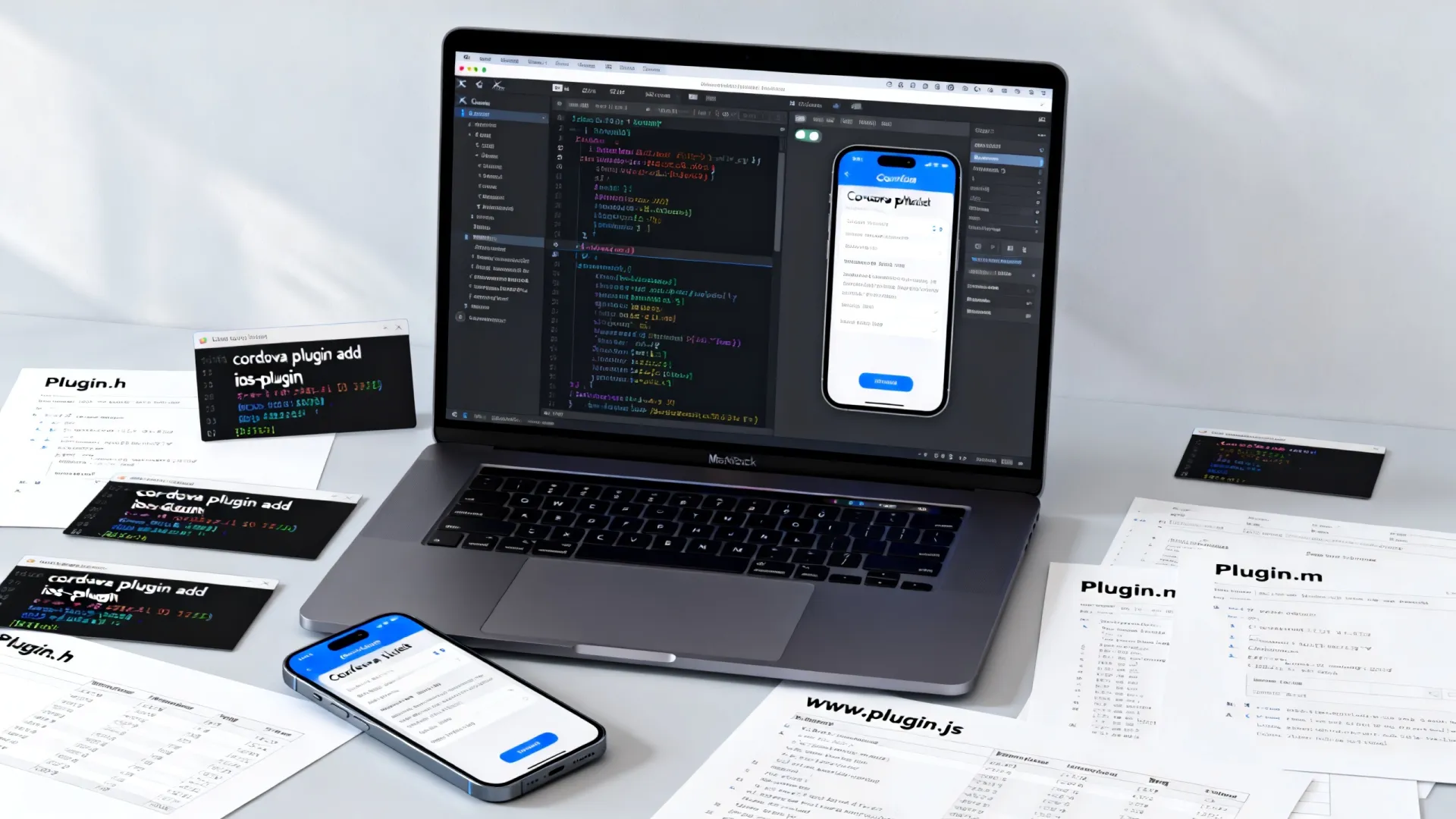
// 调用同步方法获取设备型号
cordova.plugins.MyCustomPlugin.getDeviceModel(
    function(model) { console.log('设备型号:', model); },
    function(error) { console.error('获取失败:', error); }
);
// 调用带参数的异步方法显示弹窗
cordova.plugins.MyCustomPlugin.showNativeAlert(
    '这是一个来自Cordova插件的原生弹窗!',
    '提示',
    '知道了',
    function() { console.log('用户点击了按钮'); },
    function(error) { console.error('弹窗失败:', error); }
);
// 启动传感器监控
var onAccelEvent = function(data) {
    console.log('加速度数据:', data.x, data.y, data.z);
};
cordova.plugins.MyCustomPlugin.startMonitoring(onAccelEvent, function(err) { console.error(err); });
// 稍后停止监控
// cordova.plugins.MyCustomPlugin.stopMonitoring(...);
调试与优化
- 调试原生代码:
- 在 Xcode 中打开
platforms/ios/YourAppName.xcworkspace(如果用了 CocoaPods) 或.xcodeproj。 - 在
MyCustomPlugin.m中设置断点。 - 选择目标设备或模拟器,运行应用。
- 在 Safari 的
开发菜单中调试 WebView 部分。
- 在 Xcode 中打开
- 调试 JS 代码:
- 使用 Chrome DevTools 通过
cordova serve进行初步调试。 - 在 Safari 中连接真机或模拟器进行远程调试。
- 使用 Chrome DevTools 通过
- 重要优化点:
- 线程管理: 严格遵守主线程做 UI 操作,耗时操作放后台线程。
- 内存泄漏: 使用 Instruments 的 Leaks 和 Allocations 工具检测,特别注意 Block、Delegate、通知中的循环引用。
- 性能: 减少原生与 JS 的频繁通信(尤其大数据传输),考虑批处理或使用文件共享,优化原生算法。
- 错误处理: 原生代码务必健壮,对 JS 传入的参数进行有效性检查,捕获潜在异常并通过
CDVCommandStatus_ERROR返回明确错误信息。 - 兼容性: 考虑不同 iOS 版本 API 的可用性,使用
@available进行检查或提供替代方案。
发布插件
- 完善文档: 在
README.md中清晰说明功能、安装方法、API 使用示例、配置项、兼容性要求。 - 版本控制: 使用语义化版本 (
MAJOR.MINOR.PATCH)。 - 发布到 npm:
npm login
npm publish
- 考虑开源: 将代码托管在 GitHub/GitLab 等平台,方便社区贡献和反馈。
进阶技巧与最佳实践
- Swift 支持: Cordova 完全支持 Swift 插件,在
plugin.xml中使用<source-file src="src/ios/MySwiftPlugin.swift" />,确保类继承CDVPlugin并使用@objc标记暴露给 Objective-C 的方法,注意桥接问题。 - 依赖管理: 使用 CocoaPods (
<framework src="podspec" type="podspec" spec="LibraryName ~> 1.0.0" />) 或 Carthage 管理复杂第三方库依赖。 - 配置参数: 通过
config.xml向插件传递初始化参数 (使用<preference>和settings属性)。 - 生命周期事件: 插件可以监听
pause,resume,destroy等应用生命周期事件 (CDVAppDelegate相关方法)。 - 插件间通信: 使用
NSNotificationCenter或自定义事件总线实现插件间解耦通信。 - 安全考虑: 如果插件处理敏感数据或权限,确保遵循 iOS 沙盒和安全指南,请求必要权限 (
<config-file>修改Info.plist添加权限描述)。 - 单元测试: 为原生代码和 JS API 编写单元测试,确保稳定性和可维护性。
开发中遇到最棘手的跨平台兼容性问题是什么?您是如何巧妙解决的?欢迎在评论区分享您的实战经验与挑战!
首发原创文章,作者:王坚,如若转载,请注明出处:https://test.idctop.com/article/29453.html